
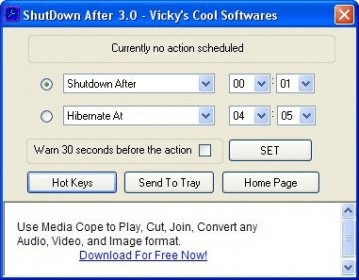
ShutDown After is a simple program that shuts down automatically Windows at a specific set time and it also lets the user to assign hotkeys to perform this type of operations in Windows. Set the timer to restart, log off, hibernate, stand by or shutdown. It overrides any active program forcing it to close, avoiding any dialogs taht would prevent the system from shuting down or restarting.
This can prove to be very helpful after the completion of a task or if you want to perform shutdown operations by just pressing one key for instance. Its interface is simple and easy-to-use, no advanced knowledge required; and it is practically invisible because it stays in the system tray.
A fast way to perform shutdown operations; no need to wait hours for a task to finish. And even better is that the hotkeys assignment lets the user to avoid going to the Start menu then press Shutdown and then confirm.
This version is available for Windows XP and new for Windows Vista (some bugs are known when using with Vista).





Comments